Your doc portal is now available to AI agents and LLMs with MCP
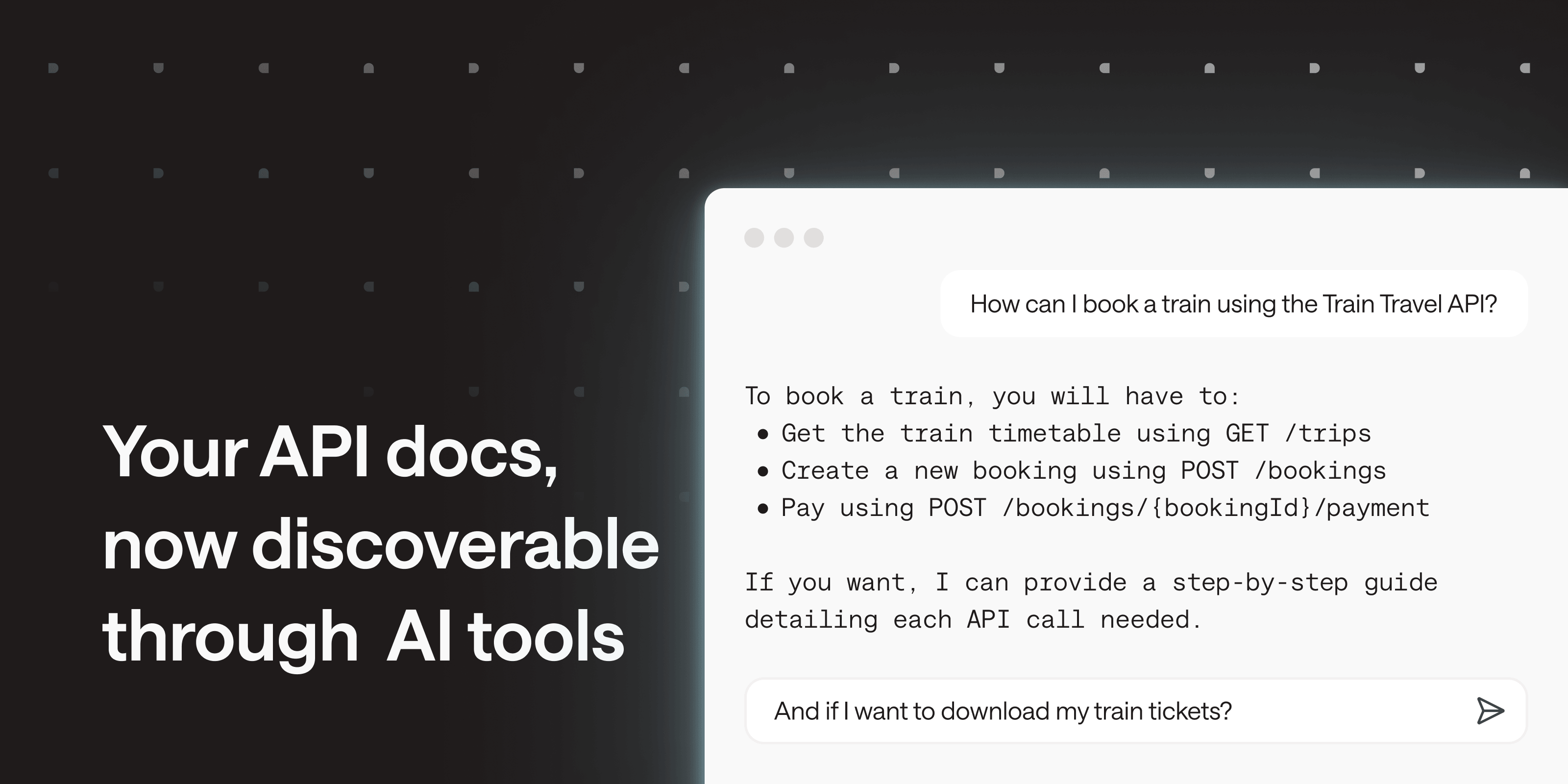
More and more developers discover and integrate APIs without leaving their IDEs, by querying an agent or asking an LLM to understand how an endpoint works. After pushing optimized Markdown versions a few months ago, your doc portal is now available through an MCP server.
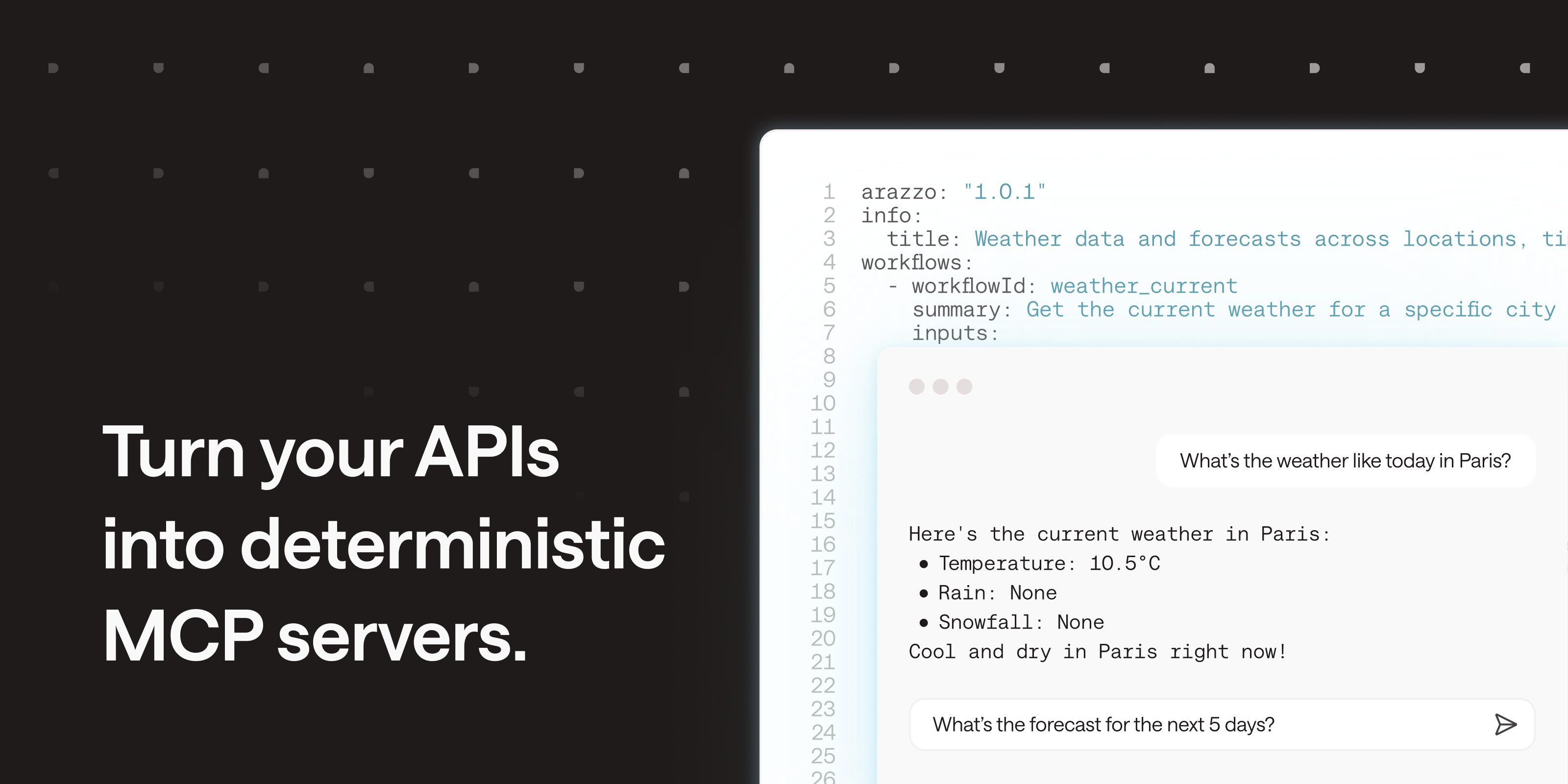
In one click, you can now turn any Bump.sh documentation or hub into an MCP server. No workflow to write, no MCP server to maintain: your existing docs become the source.
What LLMs and AI agents can do with your doc portal MCP server #
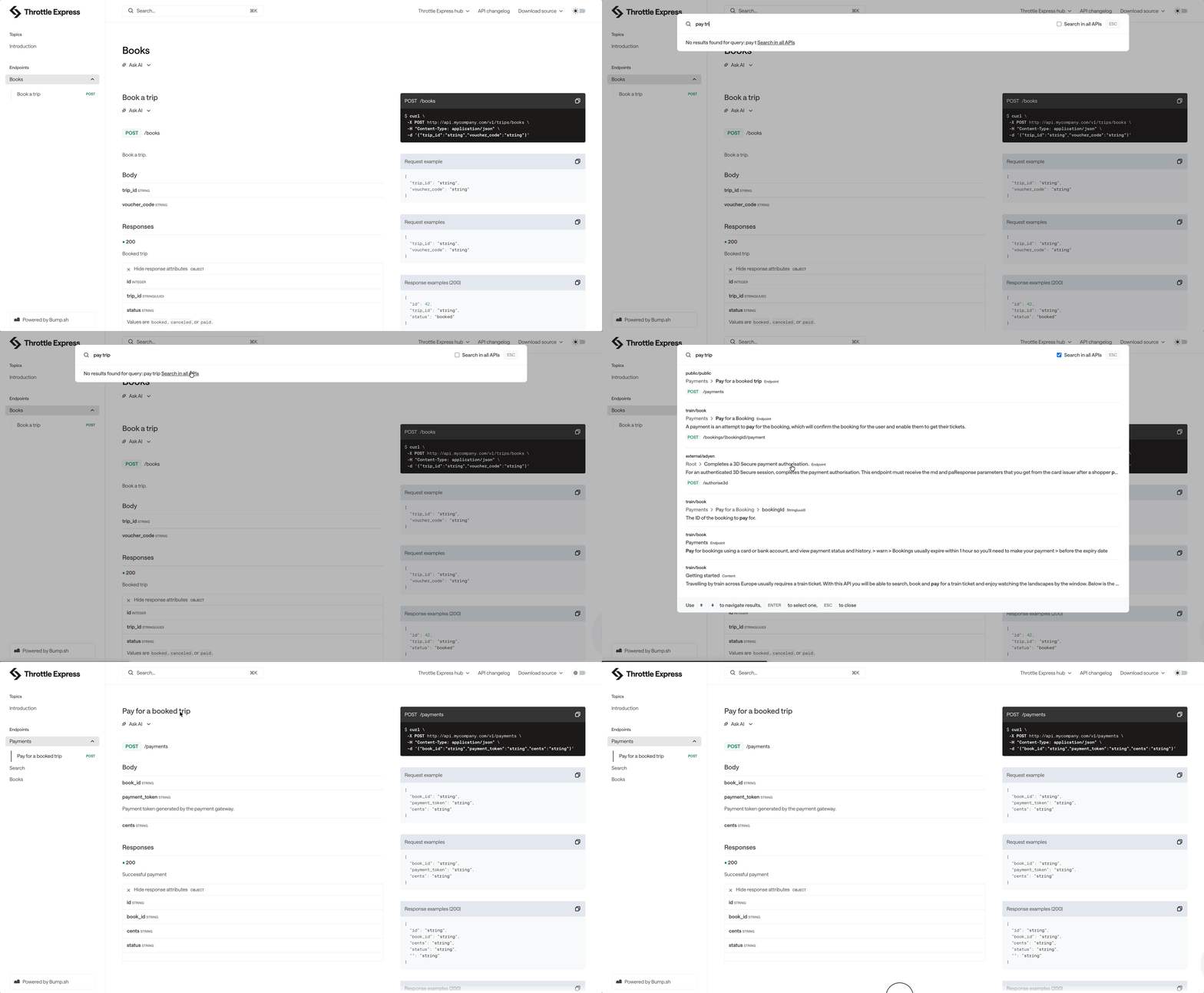
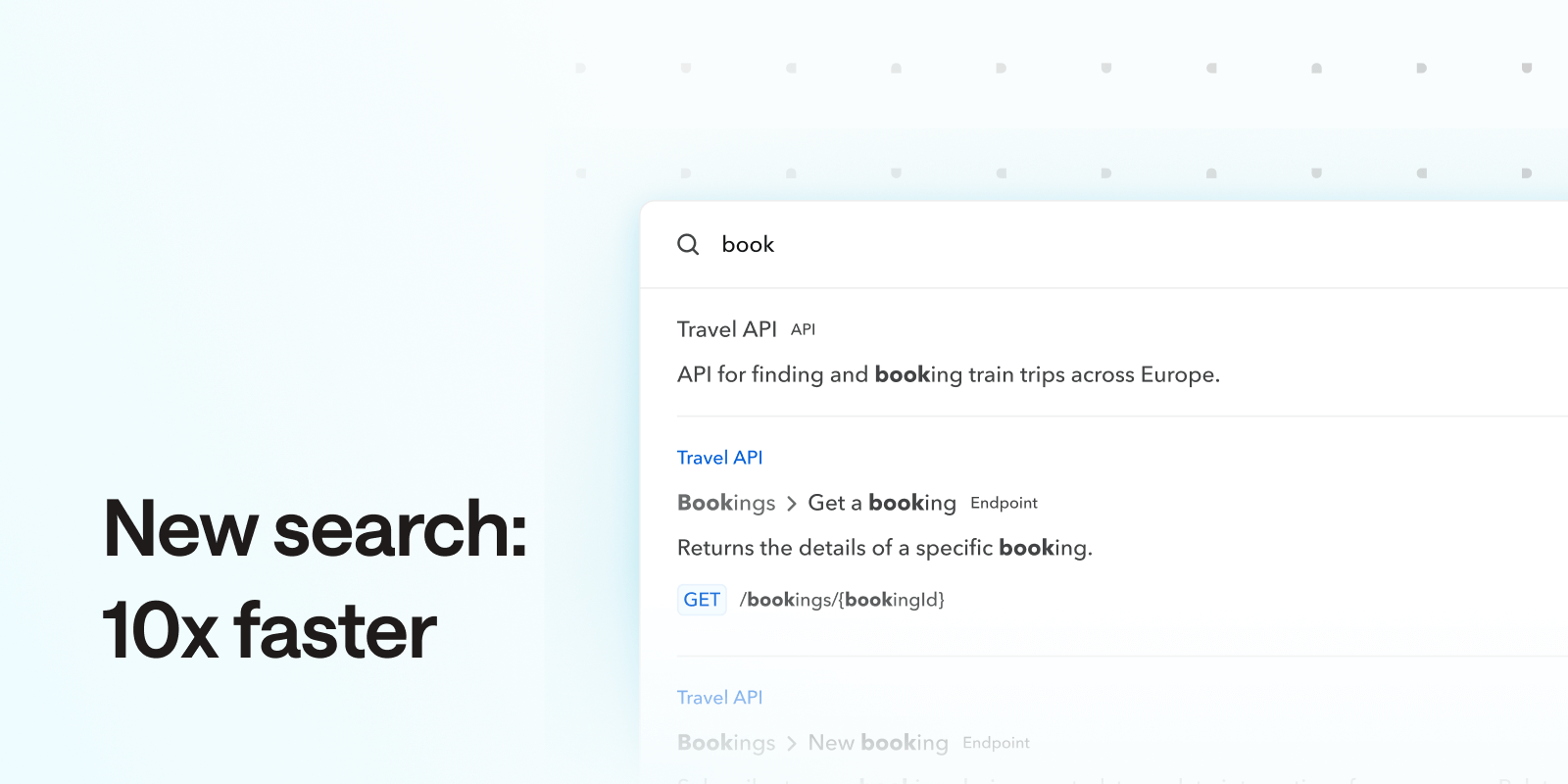
The MCP server allows AI tools to search your documentation, browse its structure, and access any doc page. Answers are optimized to keep the token usage low. Three tools are exposed:
- search: find relevant pages by keyword, based on what the user/agent typed in natural language. It can be filtered by type (operation, schema, topic, authentication, etc.)
- list_pages: explore the documentation hierarchy to understand what’s available before going deeper
- get_pages: retrieve the full content of any page, in a clean format built for LLM consumption
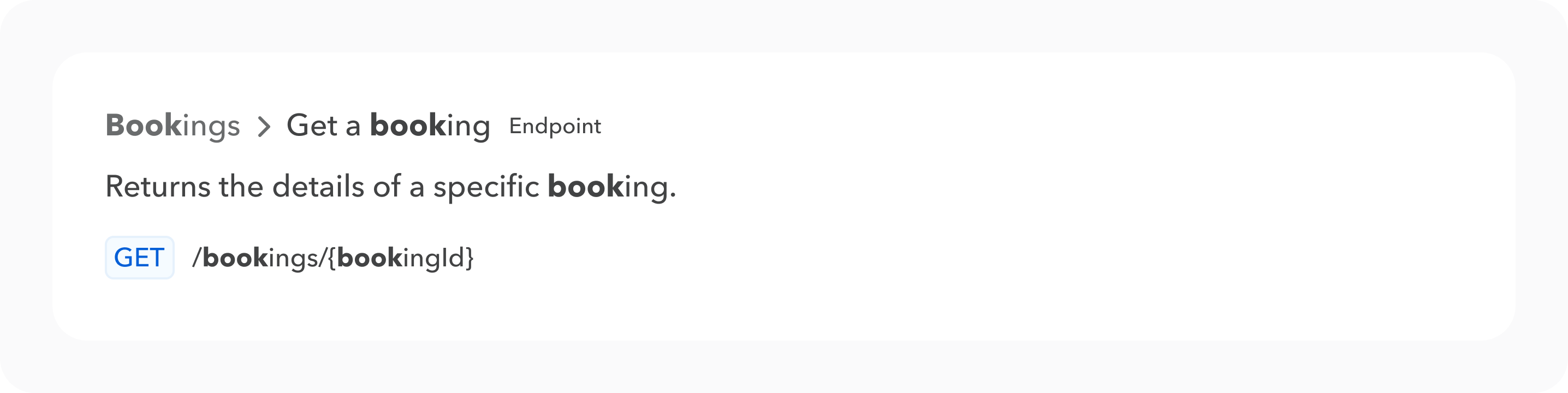
An AI tool can answer “how do I create a booking?” by searching your docs (search), reading the right operation (get_pages), and returning a factual answer based on a token-friendly version of your doc portal.
How to add the MCP server #
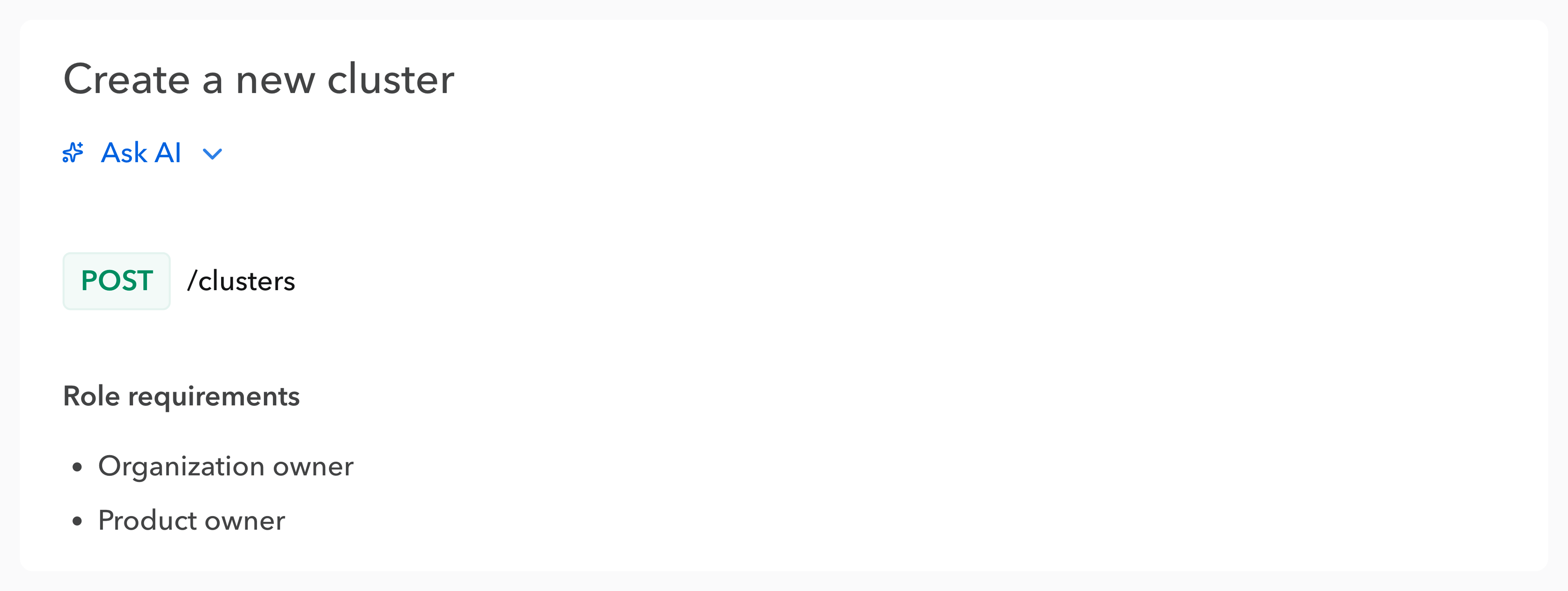
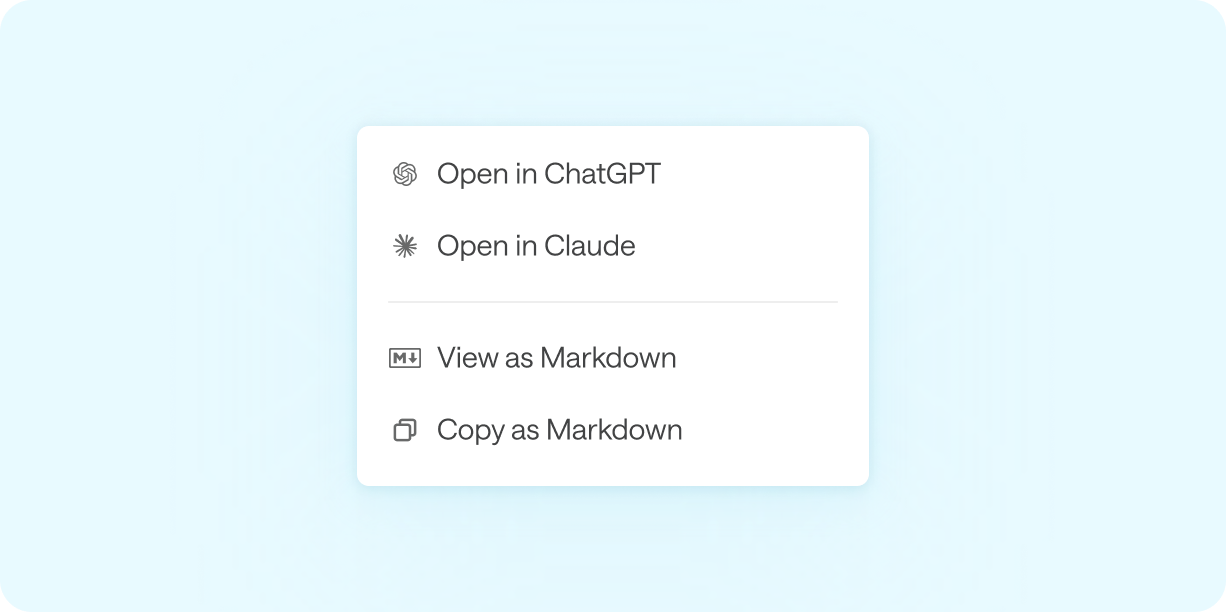
The Ask AI dropdown in your documentation and hubs includes direct shortcuts to add the MCP server to Cursor, VS Code, or any other tool via a ready-to-use mcp.json snippet, the file used by most IDEs to add MCP servers.

The feature is activated by default on your hubs and docs. You can administrate it in the “Ask AI” section of your hub/doc general settings.
Learn more in the help center.
Any questions or feedback? Reach out at hello@bump.sh.